
Favorites
Overview
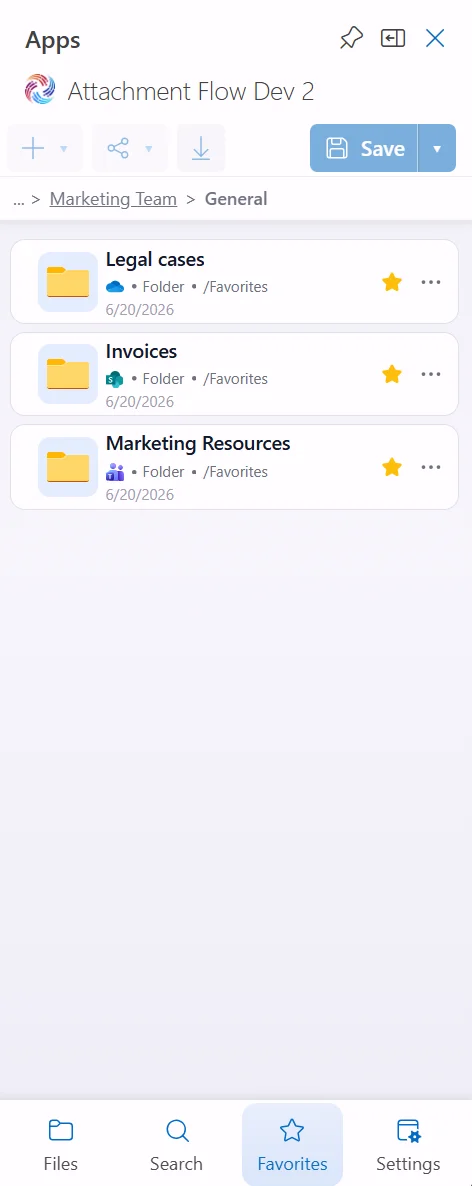
The Favorites page gives quick access to folders you use often. Favorites can come from OneDrive, SharePoint, or Teams, and each row shows the source with a service icon.
How it works
- Mark a folder as favorite from the Files page by clicking its star icon.
- Open the Favorites tab to see all favorite folders in one place.
- Click the yellow star to remove a folder from Favorites.
- Use the item menu for additional folder actions.
Favorites are stored per user, so each person sees their own list of frequently used folders.