
Sign In
Sign In to Attachment Flow
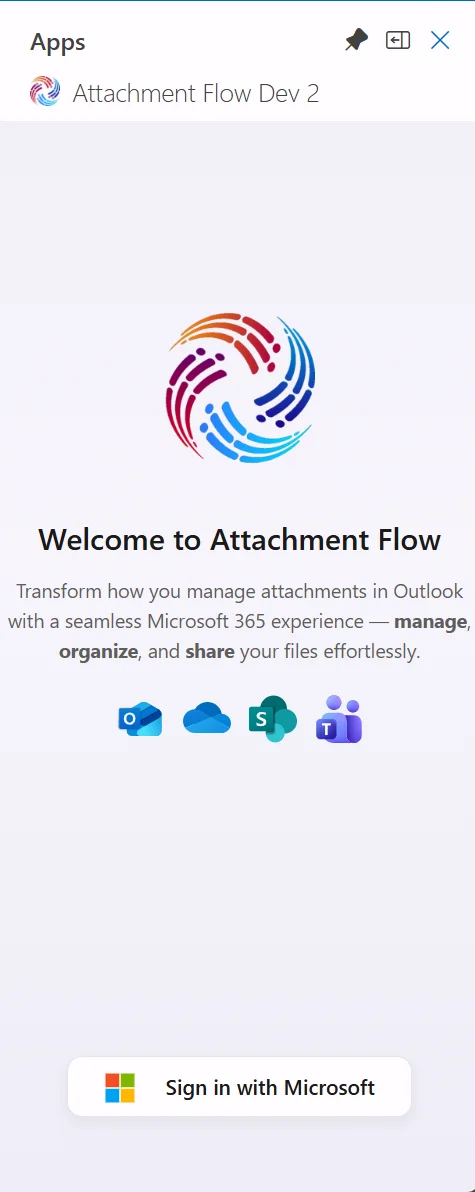
Start by signing in with your Microsoft 365 account. This connects Attachment Flow to Outlook and to the Microsoft 365 services used by your organization.
What you see
The welcome screen shows the Attachment Flow logo, supported Microsoft 365 services, and the Sign in with Microsoft button.
Steps:
- Click Sign in with Microsoft.
- Use your work or school Microsoft 365 account.
- After sign-in, first-time users continue to onboarding. Returning users open their selected starting page: Files, Favorites, or Search.
Note
Attachment Flow uses Microsoft 365 authentication. Your organization's policies, such as multi-factor authentication, may apply during sign-in.